How I generate 30 LinkedIn post ideas in 60 seconds (without ChatGPT or any AI tools)

Kristo Olli
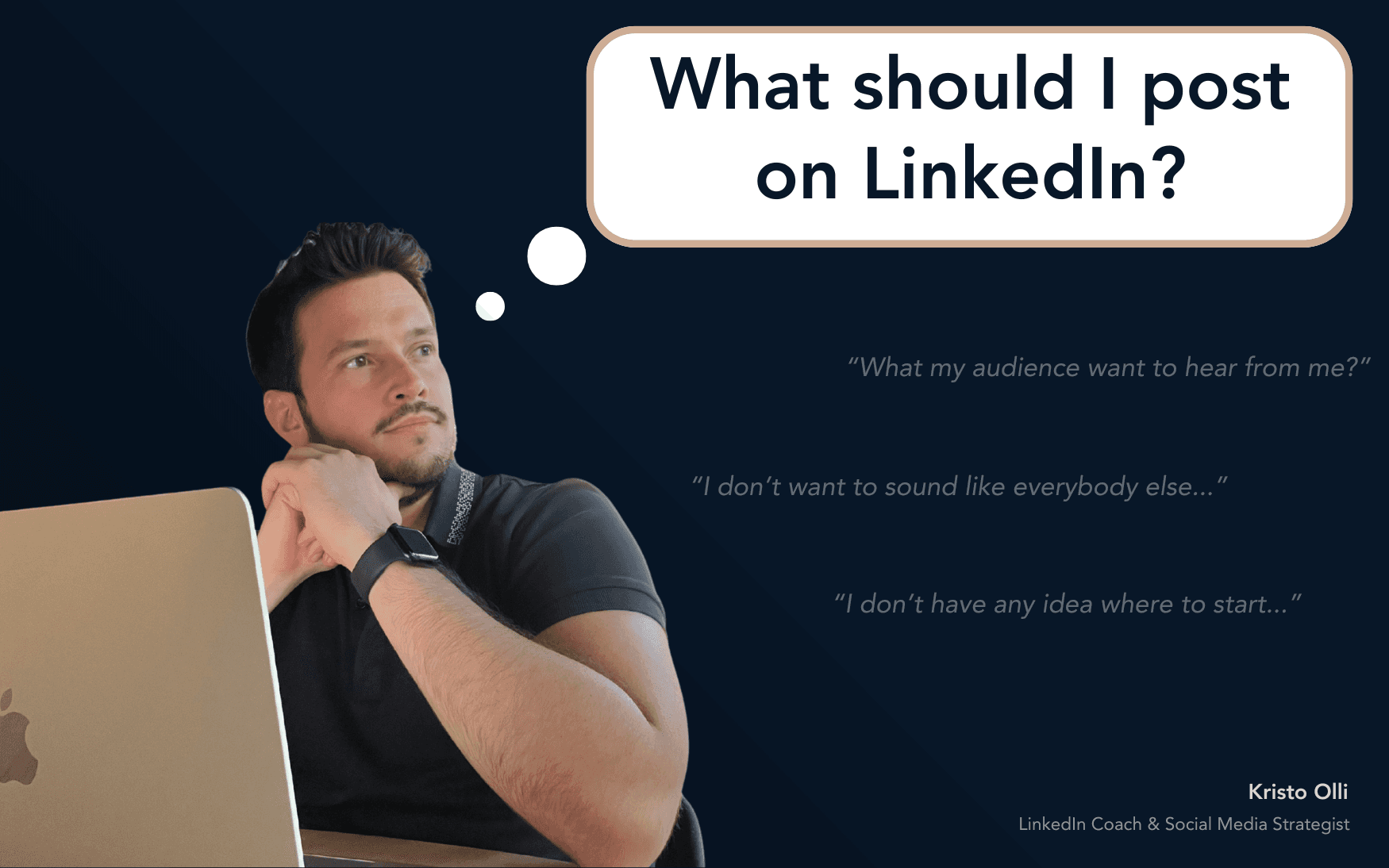
Let’s be honest – even the most creative people run out of LinkedIn post ideas.
You open the app, click “Start a post,” and... blank.
Suddenly, that clever content strategy you promised yourself feels miles away.
So what do most people do?
They either:
Overthink every idea (“Is this even interesting?”)
Give up and ask ChatGPT for “10 LinkedIn post ideas,” ending up with something that sounds... not quite like them
But what if I told you that you already have dozens of great post ideas waiting for you – no AI, no tools, and no creativity crisis needed?
Here’s the exact 60-second method I use (and teach my clients) to generate 30+ content ideas instantly.
The 60-second post idea generator
Forget fancy content calendars or prompt libraries – this trick works every single time, no matter your niche.
Step #1: Go to Google
Yep. Good old Google. The place where every question starts, and that’s exactly why it works.
Step #2: Search for a keyword or phrase in your field
Think like your audience. What do they Google when they’re stuck, curious, or frustrated?
Examples:
If you’re a career coach → “how to prepare for a job interview”
If you’re a marketing consultant → “how to attract more clients”
If you’re a freelance designer → “how to find your first clients”
If you’re a HR professional → “how to improve company culture”
Step #3: Scroll to “People also ask”
That magical little box is a goldmine. Those are real questions your audience is actively typing into Google right now.
Step #4: Tap a question → watch more appear
Each time you expand one, Google shows you more related questions. It’s like a never-ending waterfall of audience insights.
Step #5: Collect 20–30 of them
Keep tapping and saving the ones that resonate. Copy them into a doc or Notion page – you’ll have a list of 30+ real, relevant content ideas in under a minute.
Step #6: Turn each question into a LinkedIn post
Answer each question in your own words, tone, and experience. But don’t write like a robot – write like someone giving advice over coffee.
Why this works (and always will)
The biggest content mistake people make is guessing what their audience wants. But this technique skips the guesswork because you’re using actual data.
The “People also ask” feature is powered by billions of Google searches. When you use it, you’re basically piggybacking on your audience’s curiosity.
Here’s what makes it powerful:
You’re creating content that answers real questions
You’re matching language your audience actually uses
You’re positioning yourself as someone who understands their world
This means your content will naturally get more:
Engagement (because people relate to it)
Trust (because you’re helping, not selling)
Visibility (because comments and saves boost reach)
Example: Turning Google questions into LinkedIn posts
Let’s say you’re a career coach and find these questions on Google:
“How do I explain a career gap in an interview?”
“What are good questions to ask the interviewer?”
“How long should I stay at my first job?”
Now, turn each into a post like this 👇
“If you’ve taken a career break and worry about how to explain it in an interview here’s what I tell my clients…”
or
“Most people focus on how to answer interview questions. But the real power comes from the questions you ask. Here are 3 that make you memorable…”
or
“There’s no magic number for how long you should stay in your first job. But here’s a better question to ask instead…”
Boom – three posts written in your own voice, solving real problems, without forcing creativity.
Bonus: 5 ways to expand each idea
Once you have your 20–30 questions, you can easily turn them into 100+ posts by switching angles.
Tip format: Share 3–5 practical tips to solve the problem.
Story format: Tell how you or a client faced the same challenge.
Lesson format: Explain what people usually get wrong about it.
Visual format: Turn a quote or short insight into a carousel or infographic.
Question format: Post the question itself and ask your audience for their take.
When in doubt, remember: one question = at least five post opportunities.
What this means for teams (and companies)
This isn’t just a creator trick – it’s also a game-changer for teams.
During my LinkedIn workshops with companies, I’ve seen entire marketing or HR departments spend hours trying to “brainstorm ideas” when they could have just opened Google.
Here’s how this method helps teams:
Saves time: No more “what should we post this week?” meetings.
Improves relevance: Content is driven by audience pain points, not assumptions.
Increases engagement: Employees create posts that attract real conversations.
Boosts confidence: People know what to write about, so they actually post.
That’s why I always tell teams: your content ideas are already out there – you just have to listen.
What if you’re still not sure what to post?
If even this method feels overwhelming, you’re not alone. Most people don’t have a creativity problem – they have a clarity problem.
Try this quick checklist before posting:
✅ Does this answer a real question or problem?
✅ Is it written in my authentic voice?
✅ Would my ideal reader find this helpful, inspiring, or thought-provoking?
✅ Does it invite engagement (comments, saves, or shares)?
If yes → post it.
If not → tweak it until it does.
You don’t need AI to sound human
I love AI tools – they’re amazing for structure, proofreading, and productivity. But your ideas, experience, and tone are still your biggest assets.
AI can assist your process, but it can’t replace your perspective.
When you use this Google-based method, you’re creating content that’s:
Original (because it’s filtered through your experience)
Relevant (because it’s based on real search intent)
Human (because it sounds like you, not ChatGPT)
Real results from doing this consistently
When I first started applying this technique, I stopped staring at a blank page.
Within months:
I posted consistently without running out of ideas.
My engagement and impressions grew.
My posts started attracting clients, collaborations, and workshop invites.